


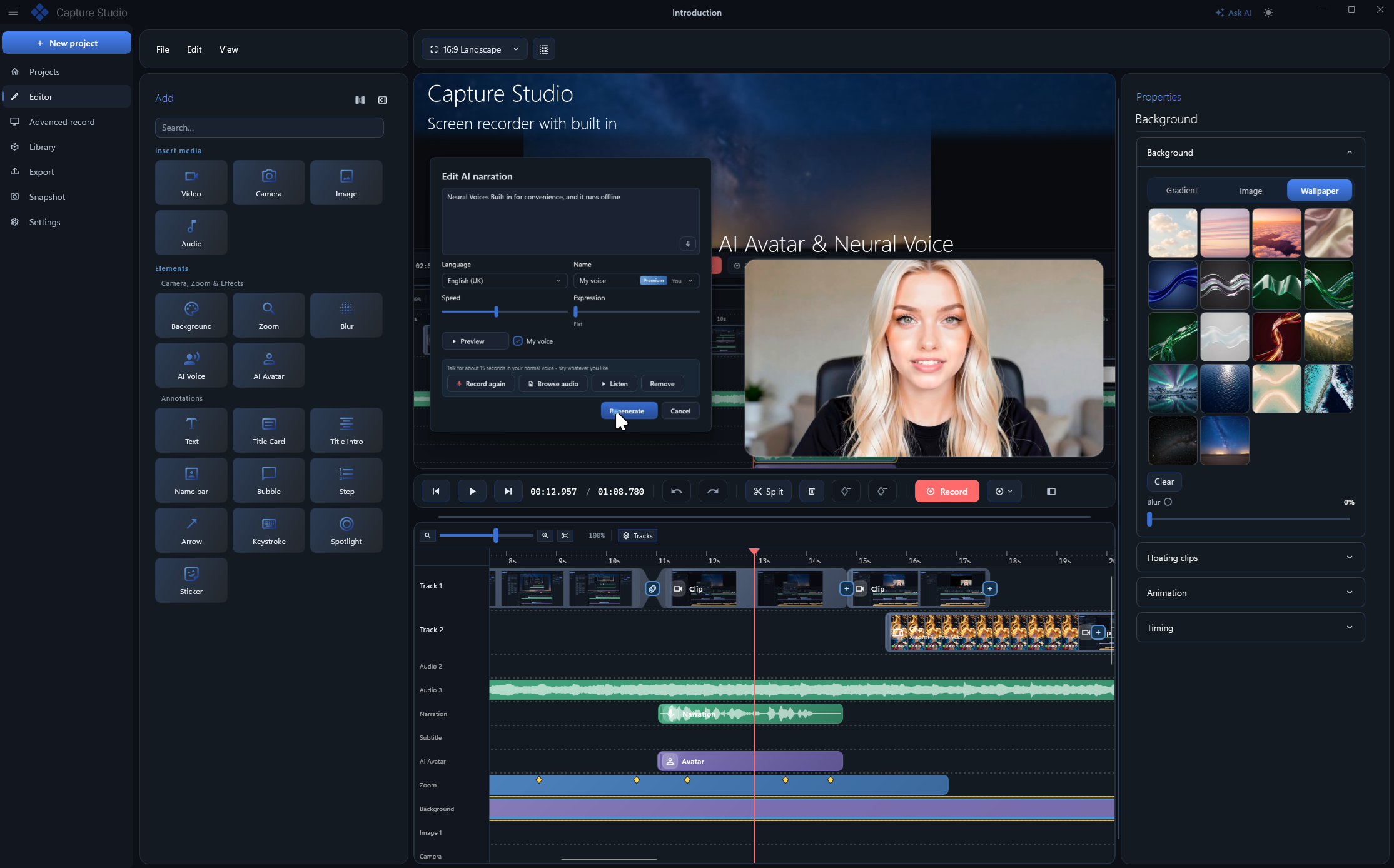
Record your screen on Windows and get a finished video automatically: smooth cursor, auto zoom that.
Features
Features: Show the keys you press on screen - perfect for tutorials and shortcuts.
Precision: Polished, smoothed pointer motion with click ripples that guide the eye.
Everything else: Drop your recording onto clean backgrounds and gradients for a designed look.
Feature summary: Put any recording in a floating window with rounded corners, a soft shadow and a slide-in over a background, to give it a polished look.
Add-ons: Every setting is sorted into tabs, your favourite styles can be saved and reused, and you see the timing before you play it.
System requirements: Leverages Capture Studio - Screen recorder & editor for Windows's capabilities to deliver clear outcomes and a smooth experience.
Use Cases
For individuals and small teams
Individuals and small teams can use Capture Studio - Screen recorder & editor for Windows to get more done with less effort. By using the features above, you can focus on what matters and rely on Capture Studio - Screen recorder & editor for Windows for clarity and structure. The clear layout and straightforward options help reduce guesswork and improve outcomes.
For professionals and larger teams
Professionals and larger teams can use Capture Studio - Screen recorder & editor for Windows as a central tool for their workflow. The combination of features and reliability makes it suitable for scaling use. Whether you are evaluating options or already committed, Capture Studio - Screen recorder & editor for Windows fits into your process and supports better decision-making.
Benefits
Clear outcomes: With structured features and straightforward options, users can approach tasks with greater confidence.
Time savings: The platform streamlines common tasks so you can focus on higher-value work.
Better decisions: Access to clear information and context helps reduce guesswork and supports informed choices.
Ease of use: The interface is designed to be approachable for all skill levels while still supporting advanced needs.
Conclusion
In summary, Capture Studio - Screen recorder & editor for Windows is a practical tool that combines useful features with an approachable experience. By offering clear features, use cases for different audiences, and tangible benefits, Capture Studio - Screen recorder & editor for Windows helps users work more effectively. Whether you are getting started or scaling up, Capture Studio - Screen recorder & editor for Windows is designed to support your goals. Check it today!


